1
Capture what matters
Grab a region, active window, or all displays with familiar Print Screen shortcuts.
Available from Microsoft Store
PinPane is a Windows screenshot app built for captures you still need after taking them. Capture a region, pin it always on top as a floating reference image, annotate it, copy it, save it, or drag it into another app.
Most screenshot tools stop after capture. PinPane keeps the next action close, so a screenshot can become a floating reference image, note, clipboard image, saved file, or drag-out attachment quickly.
Grab a region, active window, or all displays with familiar Print Screen shortcuts.
Keep a capture floating above other windows while you compare, type, follow steps, or report an issue.
Add pen, highlighter, shapes, text, crop, undo, and redo when the screenshot needs context.
Copy, save, or drag captures into chats, documents, support tickets, and reports.
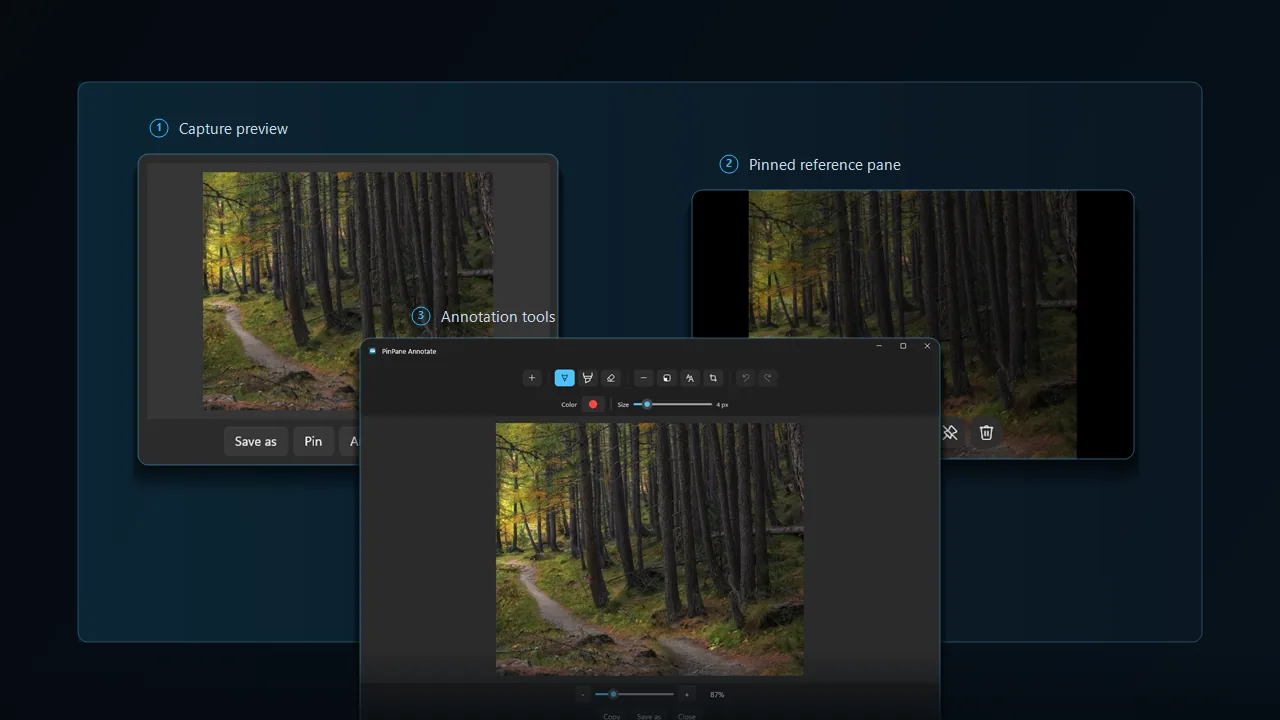
PinPane is useful when switching windows would slow you down or when a screenshot needs a quick decision after capture.
Pin a receipt, message, form, or reference image while entering details somewhere else.
Keep setup steps, commands, or an error message in sight while working in another window — or read the guide to keeping a window always on top.
Capture the problem, annotate it, and drag or copy the result into the place you report it.
Local-first by default
PinPane does not require an account and does not ask for your name, email address, location, contacts, or payment information.
Quick answers before you install PinPane from the Microsoft Store.
PinPane is a paid app — a one-time purchase of $4.59 on the Microsoft Store. There is no subscription, no account, and no ads.
Yes. PinPane runs on Windows 11 and Windows 10 version 1809 or later.
Take a capture with PinPane, then choose Pin from the capture preview. The screenshot stays above your other windows as a floating reference image until you close it.
On your PC. PinPane does not upload captures to a server, and by default it does not automatically save screenshots or keep history files. Copy, save, and drag are explicit choices.
No. PinPane does not ask for an account, email address, or any personal details.
Install PinPane, take a capture, and choose Pin. The screenshot floats above all other windows until you close it — no manual always-on-top toggle needed.
Yes. PinPane includes pen, highlighter, shapes, text, crop, undo, and redo tools. Annotate from the capture preview, then copy, save, or drag the result.
No free trial is available. PinPane is a one-time purchase with no subscription. You can review the full feature list on the Microsoft Store page before buying.
Install PinPane when you want a screenshot to stay visible as a floating reference image, move quickly, or explain something clearly without opening a heavy editor.
Open Microsoft Store